Browshot blog
This blog provides updates on the API and features offered by Browshot. Subscribe to our blog to stay up to date on the service.
Aug 25, 2016
 Here are some of the updates to Browshot we rolled out in September:
Chrome 51
We've upgraded all Chrome instances to Chrome 51 browser. We are seeing much faster and better screenshots. The errors we were seeing with the old versions are gone.
Core server in the US
We are rolling out a new core server in the US to follow our higher demand of US instances. This new server will allow us faster screenshots in the USA.
Faster API
We've made significant performance improvements for the API calls that return a list of screenshots or instances: screenshot/list, instance/list. Internal APIs have been improved to shorten the processing of all screenshots.
Other bug fixes and improvements
Feedback: using the feedback form could result in an error (but the message was sent correctly).
Dashboard: retrieving the list of shared screenshots got faster.
Firefox: use a white background instead of black when taking screenshots of images.
See more...
Aug 25, 2016
We keep tuning and updating Browshot every week but we typically announce only the big changes. We'll try to keep you up to date on the smaller improvements we have made. Here are some of the updates we deployed in August:
Internet Explorer settings
We've relaxed the security settings for Internet Explorer 11, 10 and 9. The previous settings were stricter than the typically user settings, resulting in some pages to not being displayed correctly.
Custom headers for S3
You can now specify any custom header to screenshots uploaded to S3, such as the Cache-Control. use the new hosting_headers (screenshot/create) and headers (screenshot/host) options from the API.
Chrome 51
We've made a number of improvements to the new Chrome 51 browser. The beta period has been taking longer than expected. We now plan to move it as the only Chrome version around September 15th.
Form authentication
This is not a new feature but a demonstration of the power of the Browshot service. Recently, one of our customers wanted to take a screenshot of a page behind a login and password. Because this login page uses CSRF protection, a simple POST request could not work. The solution was to inject a Javascript that fills out the form and submit it. Simple and powerful!
Other bug fixes and improvements
Batch: a batch in finished state did not always have a list of URLs to download the archive.
Batch: handle non-ASCII URLs (accents, UTF-8, etc.).
Full page screenshots: a longer delay value will help with lazy-loading of images and Google Map by scrolling the page up and down more slowly.
Full page screenshots: force lazy-loading of images.
Firefox: better isolation between concurrent screenshots, especially cookies.
Notifications: send a reminder one week before the automated payment for monthly subscriptions (special projects, private instances, private servers).
See more...
Aug 4, 2016
 After adding code samples for Perl, PHP and Python, you can now download and run examples for Ruby on the API Documentation page.
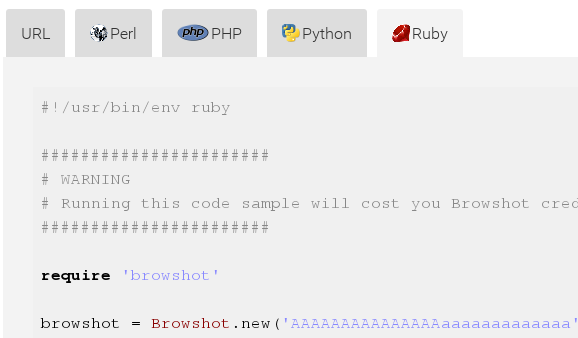
Code samples from the API documentation
We've updated the Ruby library to version 1.16. You can install it from Rubygem or from our site.
See more...
Jul 30, 2016
 We've added code samples in Perl, PHP and Python for all API calls on the API Documentation page. We have also updated the corresponding libraries to 1.16. You can update the Browshot library through your package manager: CPAN, Composer and PyPi.
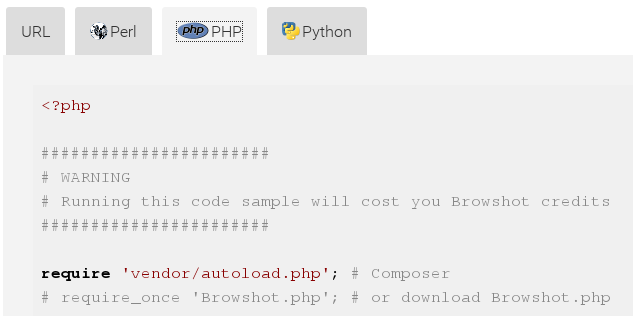
Code samples from the API documentation
If you check the API Documentation page while you are logged in, you an download the code samples and execute them without any change. Your API key has been filled into the code. If you're not logged in, you need to edit the file to enter your API code before executing the script.
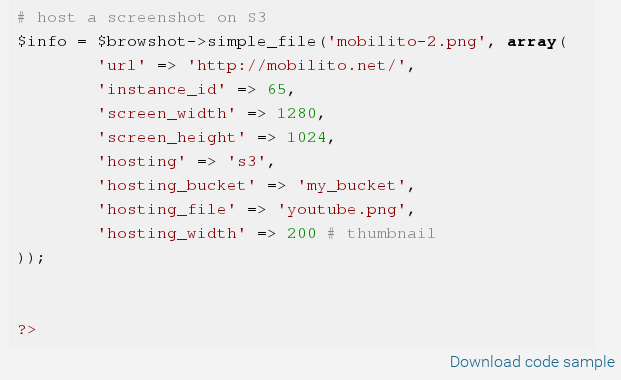
Code sample from the API documentation
See more...
Jul 17, 2016
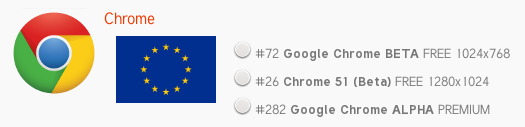
 We have added Google Chrome 51 to Browshot. Like every new browser version we add, Chrome 51 will be available as a free browser for 1 to 2 weeks. Then, Chrome 51 will be available for all countries (USA, Australia, UK and Germany) as a premium browser. At that time, we will retire the older Chrome version: #72, #282 and #13.
Google Chrome is available as instance_id 26:
This new Chrome version handles all the custom request options, except POST data: custom headers, custom referrer, script injection, etc. It resolves all the stability issues you may have encountered with the old Chrome versions.
See more...